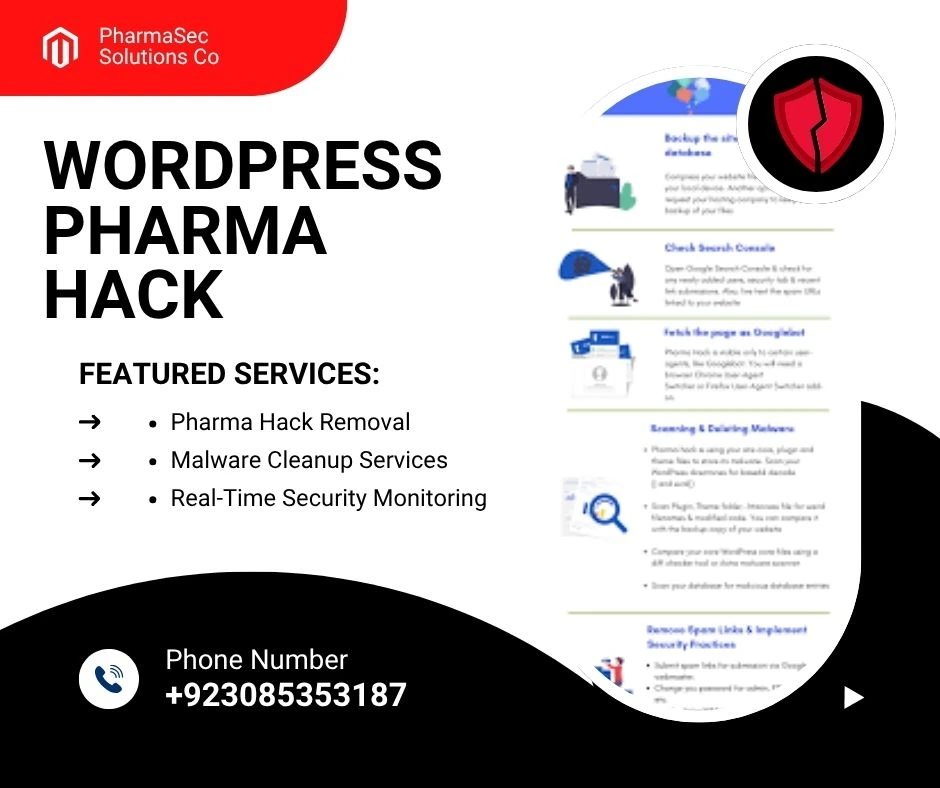
If your WordPress website is showing strange ads for pharmaceutical products like Viagra or Cialis, especially on Google search results, you’re likely a victim of the infamous WordPress Pharma Hack. This stealthy malware doesn’t usually show up on your site’s visible pages but hides deep in your files or database, silently destroying your WordPress SEO efforts and reputation.
In this guide, we’ll cover:
- What the WordPress Pharma Hack is
- How to detect it
- How to clean it thoroughly
- How to secure your WordPress site against future infections
What Is the WordPress Pharma Hack?
The Pharma Hack is a type of cloaking malware that injects spammy pharmaceutical content into your website’s HTML and serves it only to search engine crawlers. This causes your site to rank for unrelated drug-related keywords, damaging SEO, credibility, and potentially getting you blacklisted by Google if infection prevention is not maintained.
How to Detect the Pharma Hack
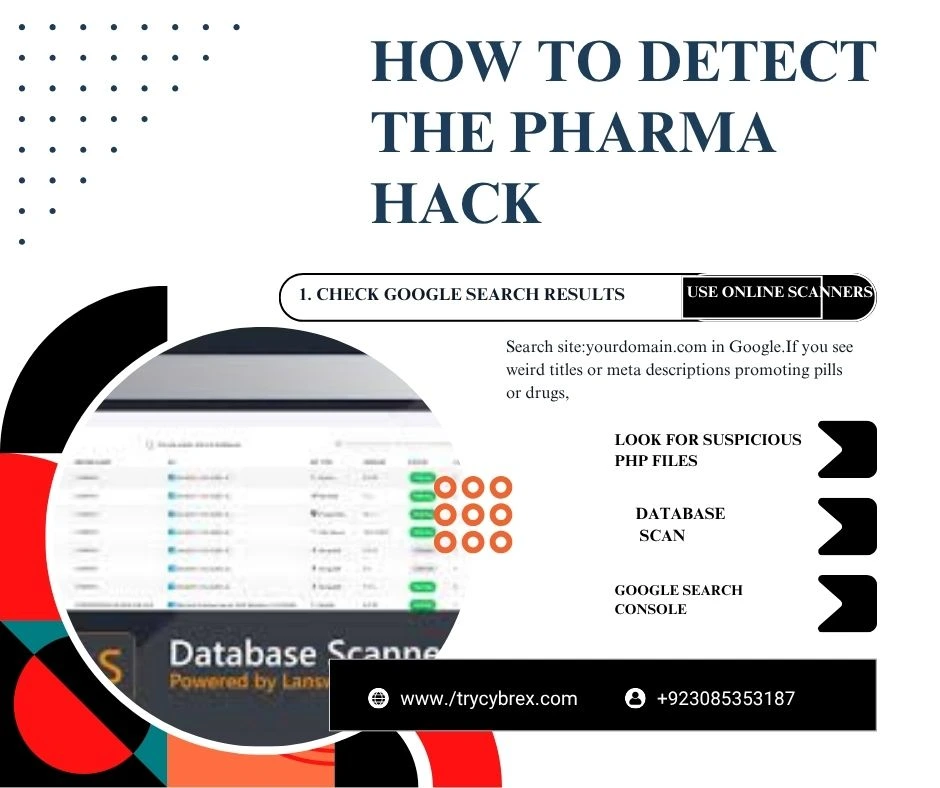
1. Check Google Search Results
Search site:yourdomain.com in Google. If you see weird titles or meta descriptions promoting pills or drugs, you’re infected with the WordPress Pharma Hack, highlighting the need for data breach prevention
2. Use Online Scanners
3. Look for Suspicious PHP Files
Check:
wp-content/themes/your-theme/wp-includes/wp-content/uploads/
Look for files with random names, base64 encoding, or eval() functions.
4. Database Scan
Hackers often inject malicious content into wp_options or wp_posts. Use phpMyAdmin or WP-CLI to search for pharma terms or suspicious scripts, making patch management essential.
How to Clean the Pharma Hack
Step 1: Backup Everything
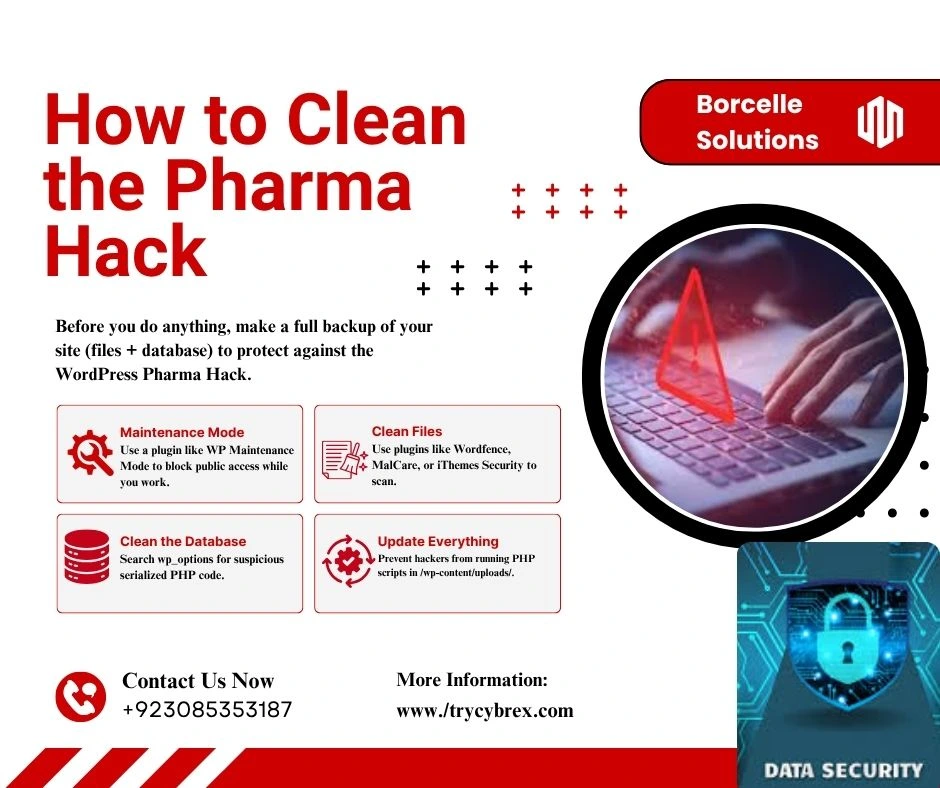
Before you do anything, make a full backup of your site (files + database) to protect against the WordPress Pharma Hack and ensure secure browsing.
Step 2: Switch to Maintenance Mode
Use a plugin like WP Maintenance Mode to block public access while you work.
Step 3: Scan and Clean Files
- Use plugins like Wordfence, MalCare, or iThemes Security to scan.
- Manually look for suspicious code like: phpCopyEdit
eval(base64_decode(...)); gzinflate(base64_decode(...)); - Delete or replace infected core files.
Step 4: Clean the Database
Use phpMyAdmin to:
- Search
wp_optionsfor suspicious serialized PHP code. - Look in
wp_postsfor hidden shortcodes or iframe tags.
Step 5: Reinstall Core WordPress Files
Go to Dashboard > Updates > Reinstall Now — this will replace all core files without affecting content.
Step 6: Update Everything
- WordPress core
- Plugins
- Themes
Outdated software = easy entry for hackers.
How to Prevent the Pharma Hack
1. Use Security Plugins
Install and configure:
- Wordfence
- Sucuri
- iThemes Security
2. Disable PHP in Uploads Folder
Prevent hackers from running PHP scripts in /wp-content/uploads/.
Add this .htaccess file inside /uploads/:
apacheCopyEdit<Files *.php>
deny from all
</Files>
3. Use a Web Application Firewall (WAF)
Services like Cloudflare or Sucuri Firewall block malicious traffic before it hits your site, helping protect against the WordPress Pharma Hack, as explained in this WordPress tutorial.
4. Change Your wp-login URL
Use a plugin like WPS Hide Login to hide wp-login.php from attackers.
5. Enforce Strong Passwords & 2FA
Use strong admin passwords and enable two-factor authentication (2FA) with plugins like Google Authenticator or WP 2FA to protect your WordPress site against the WordPress Pharma Hack.
6. Limit File Edit Access
Disable the WordPress file editor to prevent backdoor access.
Add this to your wp-config.php:
phpCopyEditdefine('DISALLOW_FILE_EDIT', true);
7. Regular Backups
Use UpdraftPlus, BlogVault, or Jetpack Backup to create automatic daily backups. if you more read relvent post then click this link Top Remote IT Support for Small Businesses & Nonprofits
Bonus Tip: Monitor Search Appearance
Use Google Search Console regularly to spot unusual pages indexed or warnings about hacked content.
Final Thoughts
The Pharma Hack is sneaky, destructive, and incredibly harmful to your online business. Cleaning it properly takes a thorough, multi-step approach but prevention is even more important.If you’re not confident doing this yourself, consider hiring a cybersecurity expert (like us at TryCybrex) to do a full malware removal and hardening audit.Need help removing the Pharma Hack?Reach out to TryCybrex for professional WordPress malware cleanup and website security services.Visit TryCybrex.com | 📧 info@trycybrex.com