SocGholish malware, also known as FakeUpdates, is a sophisticated and persistent threat that has been targeting websites since 2017. Cybercriminals exploit vulnerabilities in web systems, using this malware to trick users into downloading and executing malicious files by pretending to be legitimate browser updates. This highlights the critical importance of information security in protecting your website from such threats. By adopting effective cyber security measures, you can safeguard your WordPress website from this dangerous malware and ensure the integrity of your online presence. Here’s what you need to know about SocGholish and how to enhance your website’s cyber security to prevent these types of attacks.
What is SocGholish Malware?
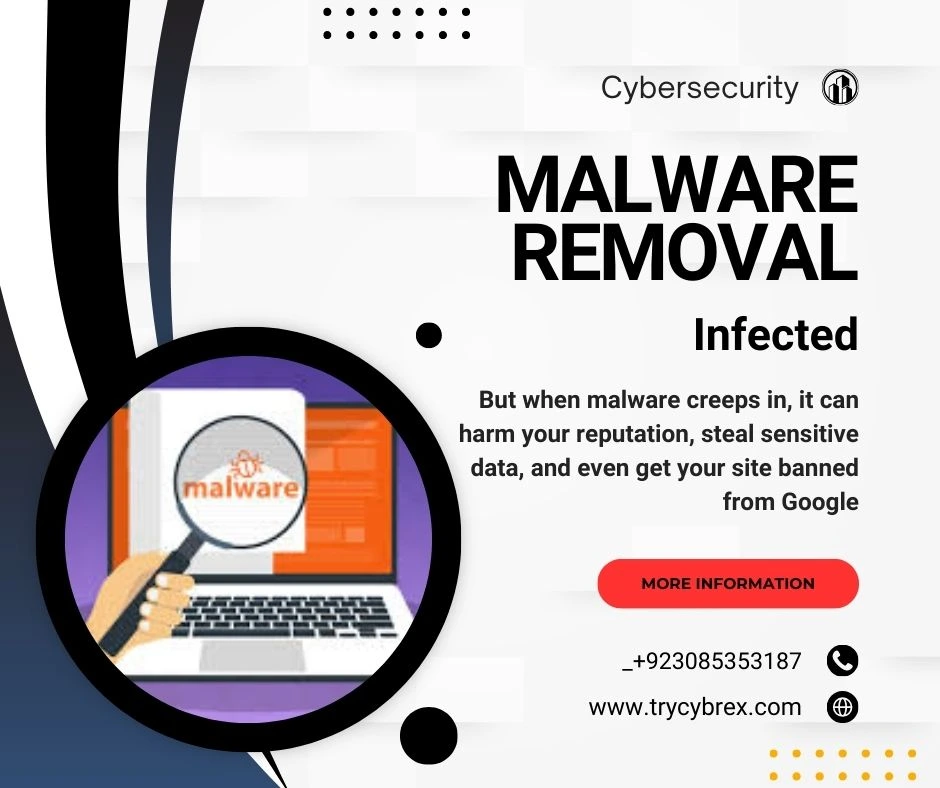
SocGholish is a JavaScript-based malware framework used by cybercriminals to gain initial access to systems. It works by showing fake browser update notifications on compromised websites. When unsuspecting users click on these pop-ups, they inadvertently download and execute malicious files, which can lead to security breaches, financial loss, and damage to your website’s reputation. This highlights the critical need for strong network security and endpoint security measures to detect and block such threats before they cause harm.
How Does SocGholish Work?
The main tactic behind SocGholish is the fake browser update scam. Here’s how it unfolds:
- A user visits a compromised website.
- A convincing pop-up or banner appears, prompting them to update their browser.
- The notification mimics genuine updates from popular browsers like Chrome, Firefox, or Edge a common tactic used in cyber threats to deceive users. To defend against such deceptive practices, it’s important to implement effective security solutions that can identify and block malicious activities before they impact your system.
- Once the user downloads the fake update, it installs harmful payloads, such as Remote Access Trojans (RATs) and infostealers.
Indicators of Compromise (IoC)
To protect your WordPress website, it’s essential to be aware of the common signs of a SocGholish infection:
- Unexpected pop-ups or banners urging users to update their browser.
- Files with suspicious names, like Chrome.Update.zip, which may appear disguised.
- Unusual network activity or connections to unfamiliar domains.
Preventing SocGholish Malware Infections on WordPress
Here are some critical steps to prevent SocGholish malware from infecting your website:
1. Keep Your Software Updated
Regularly update your WordPress core, plugins, and themes to fix security vulnerabilities.
2. Use a Web Application Firewall (WAF)
A WAF blocks malicious traffic, preventing drive-by-downloads that may lead to infections.
3. Conduct Regular Security Audits
Perform routine security audits to identify and fix vulnerabilities in your WordPress site. Use a WordPress malware scanner to detect threats early. In addition, stay alert for mobile-based risks and leverage tools like Google Play Protect to enhance security. Also, be cautious of click fraud activities that may target ad-based plugins or traffic systems on your site.
4. Educate Your Users
Train users to recognize fake update prompts and avoid downloading suspicious files.
5. Backup Your Data
Regularly back up your WordPress site to ensure you can restore it quickly if an infection occurs.
Free WordPress Malware Removal Plugins and Protection
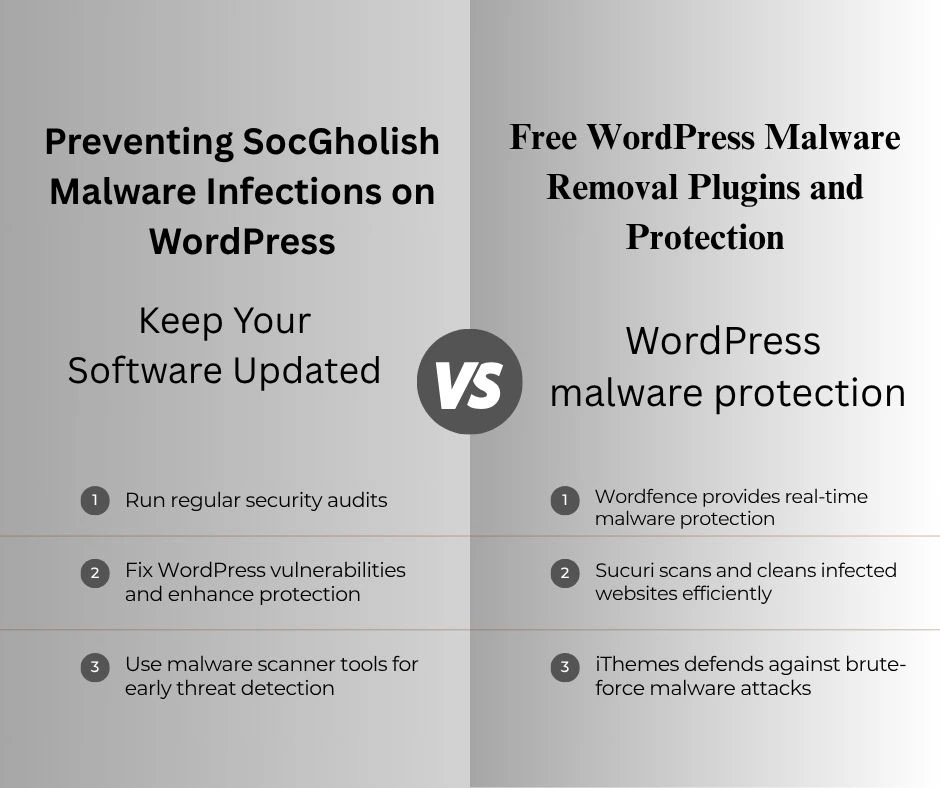
To enhance your WordPress malware protection, consider using these free tools:
- Wordfence Security: A comprehensive WordPress malware scanner that offers real-time protection and malware removal.
- Sucuri Security: Protects your site with a WordPress malware scanner and powerful cleaning tools.
- iThemes Security: Offers protection against brute-force attacks and other malware threats.
These tools can help you scan, detect, and remove malware from your WordPress website.Discover how Open Source Intelligence (OSINT) is revolutionizing data collection and analysis in 2025 learn more in our comprehensive guide
Conclusion
SocGholish malware is a serious threat to WordPress websites. By understanding how it works and taking the necessary precautions, you can safeguard your site against this dangerous attack. Keeping your security software updated, using a WAF, and educating your users are essential steps to ensure your website remains secure. Don’t forget to back up your data regularly and utilize a WordPress malware removal plugin for added protection, along with focusing on strong application security practices to prevent such vulnerabilities.
By staying proactive, you can defend your site from SocGholish and other malware attacks.